First of all, I want to say congratulations to those who are happy that PayPal is now officially available in Nigeria, and that you can now successfully withdraw your money, unlike before.
The purpose of this guide is to show you how to connect your PayPal Account to your Paga Account for Withdrawal in Nigeria.
Paga partnered with PayPal in order to make this happen, so for you to be able to withdraw from your PayPal account in Nigeria, you must first open a Paga account and link your PayPal account to it.
How to Link PayPal Account to Paga Acount
To link your PayPal account, you must first have a Paga account. Log in to your existing account or create a new one.
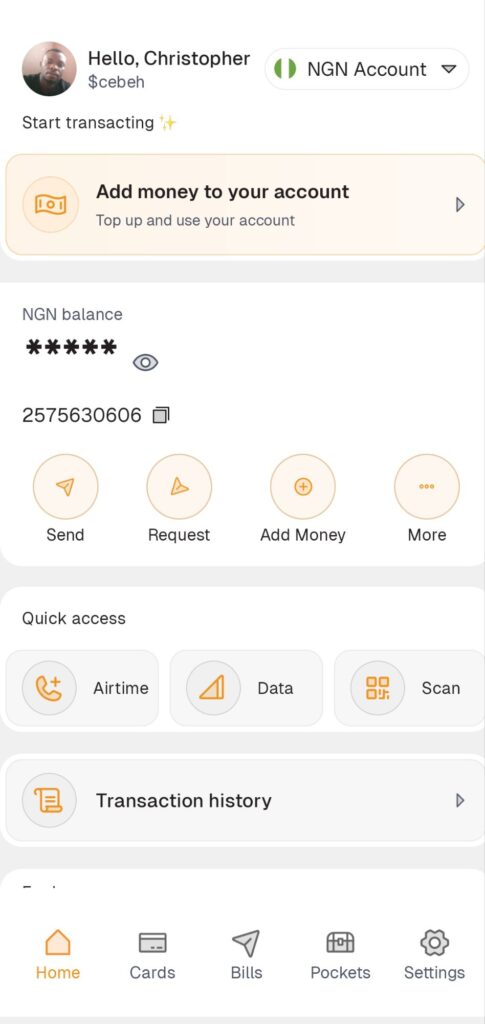
After successfully landing on the Paga Dashboard, check the Top-right and click on the dropdown menu with NGN Account label, then choose paypal.
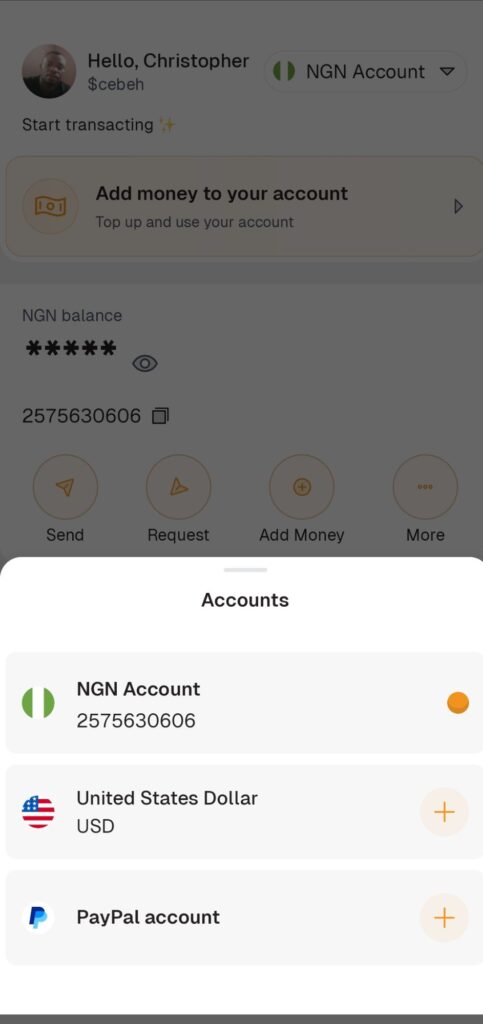
After choosing PayPal You’ll be prompted to connect your PayPal Account.
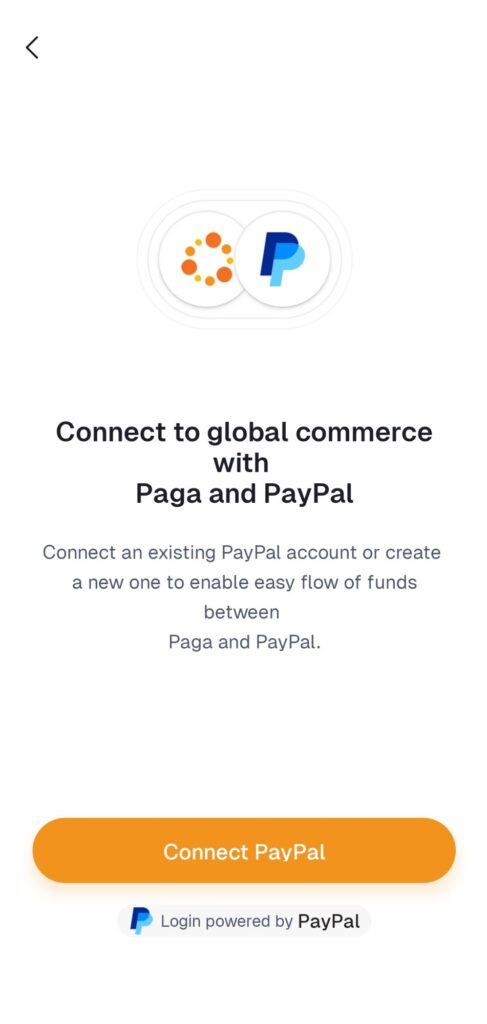
After Clicking on Connect PayPal, it will take you out to a webview because the integration is handled by PayPal.
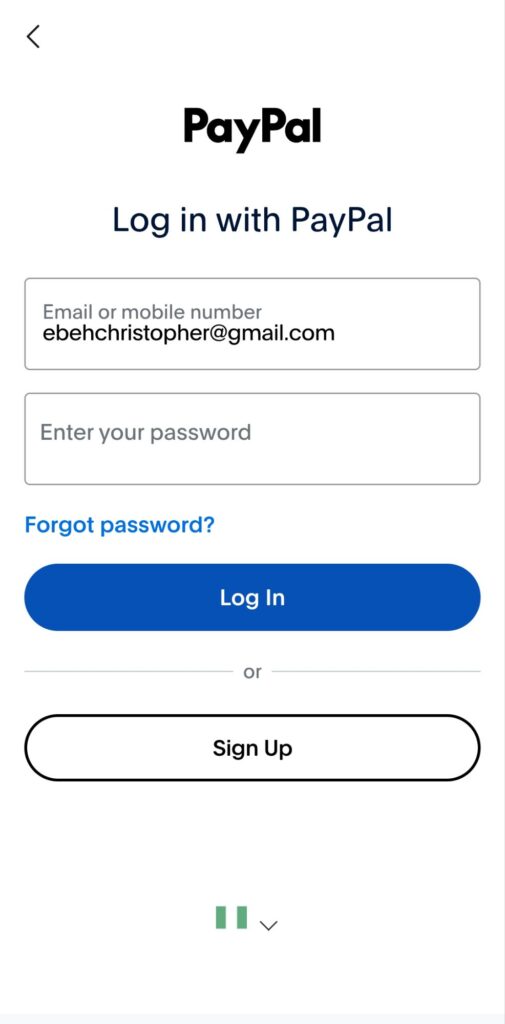
In the Connection Phase, you either log in with an existing PayPal account or create a new one.
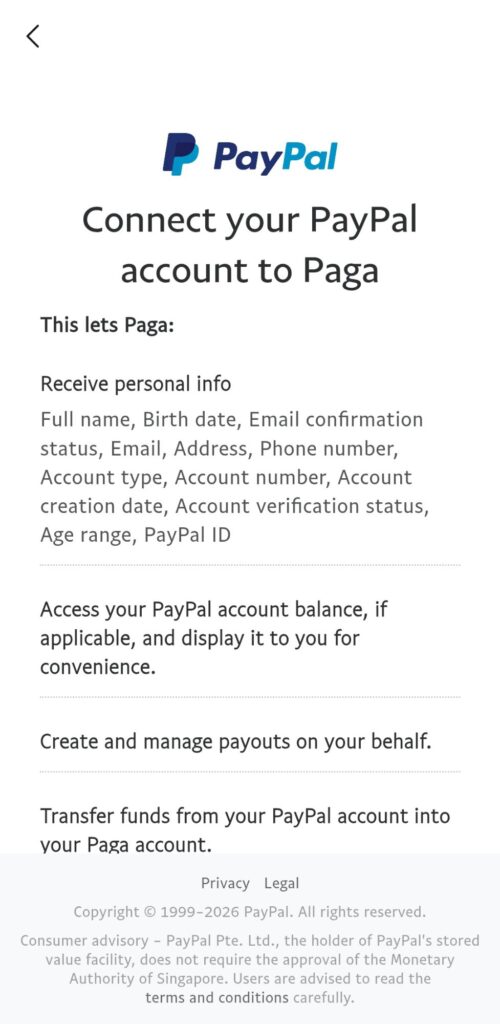
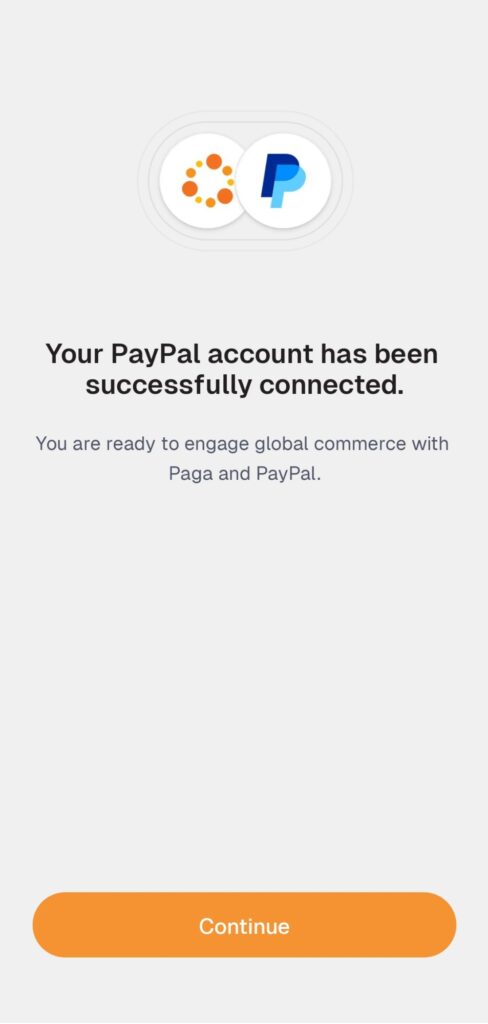
If everything goes as it should, your account will be linked, and you can then see your PayPal balance and the Withdrawal option as displayed below.
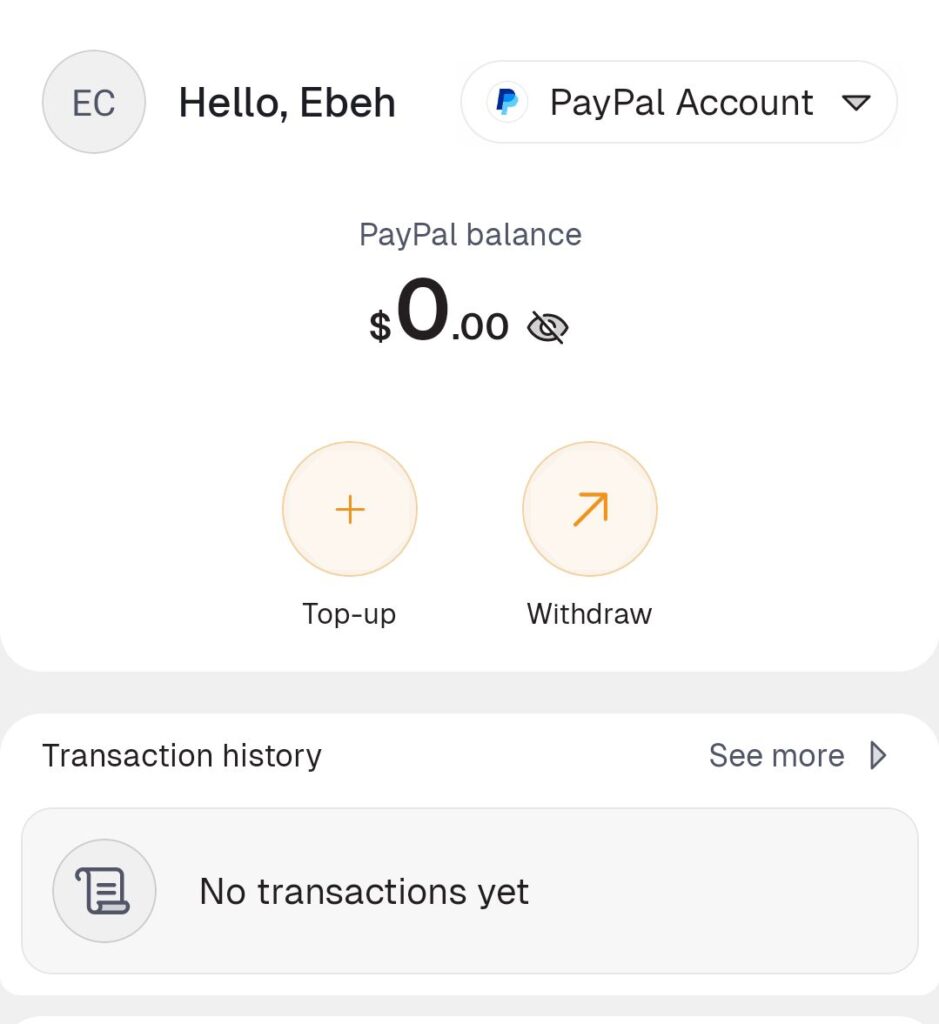
How to Withdraw PayPal funds through Paga in Nigeria
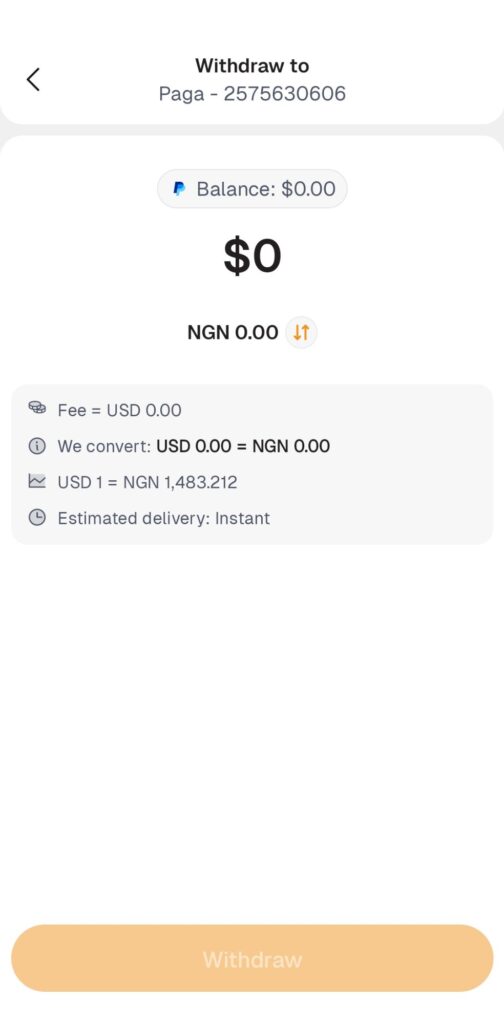
Since you’ve already done all the heavy lifting, to withdraw from your PayPal balance, just click on “Withdrawal“, then it will show you your Paga NGN Account, tap on it to continue to the Withdrawal page, where you’ll have to enter your amount and complete the transaction as displayed below in the screenshot.
So that’s pretty much everything. Enjoy.
If you have any issues, drop it in the comments and lets solve it together.