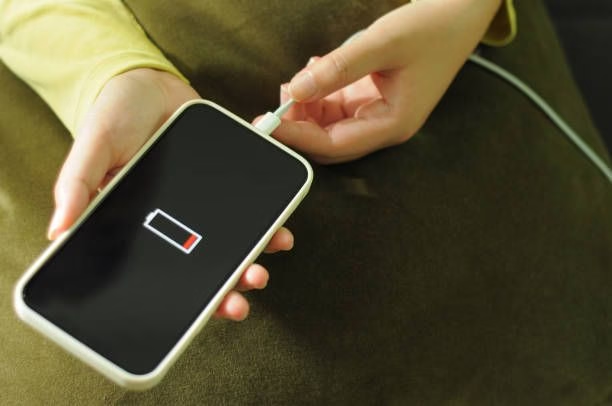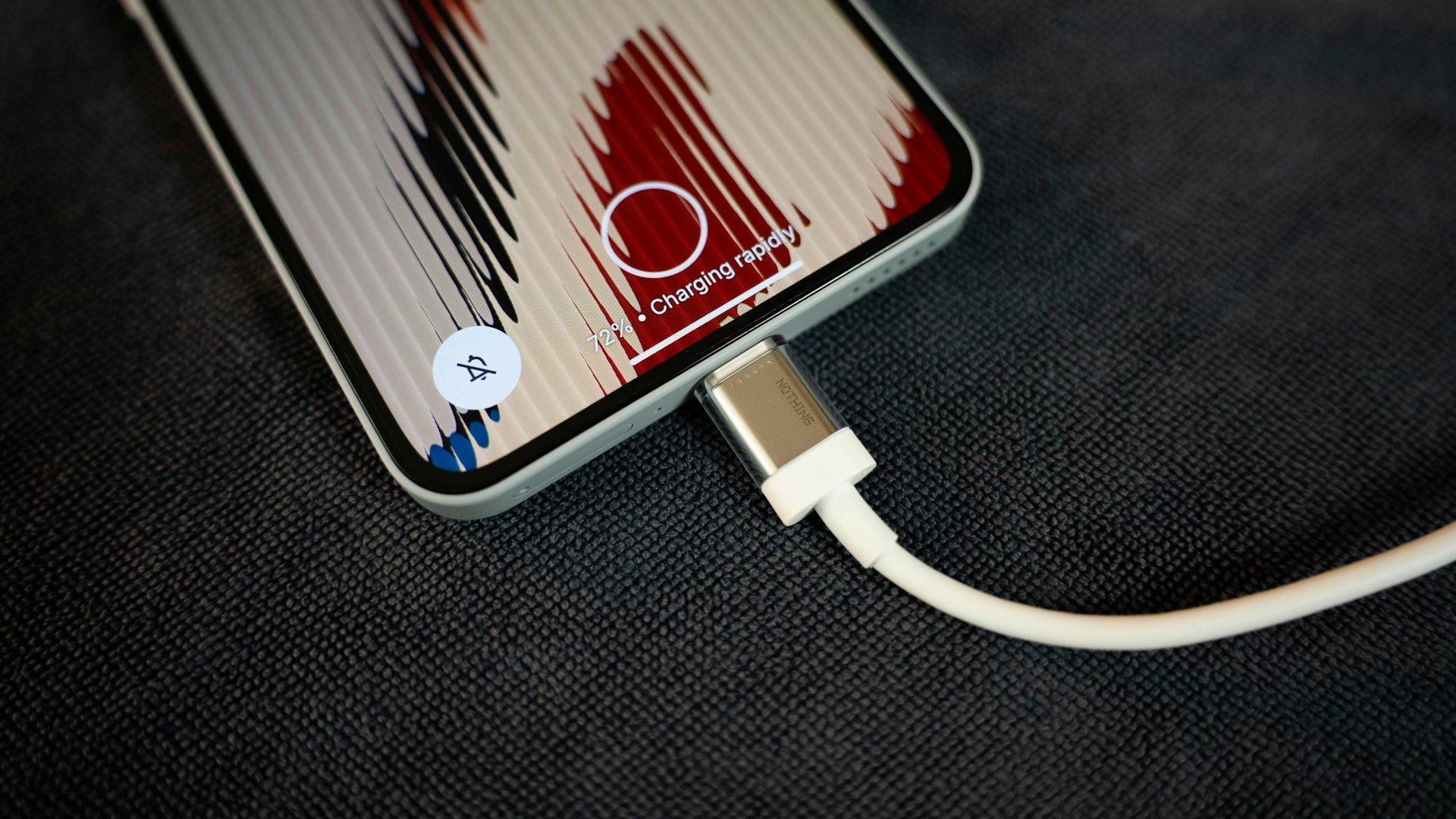
You plugged in your phone to charge for a while, only for you to pick it up and notice it’s uncomfortably hot to touch. Not just warm, but genuinely hot.
Is this normal or your phone about to explode? You’ve probably heard stories about phones catching fire while charging and now you’re wondering if yours is next.
This experience is common enough that almost every smartphone user has felt that moment of concern when their charging phone feels too hot.
Sometimes it’s just slightly warm and you ignore it. Other times it’s hot enough to make you genuinely worried. And in Nigeria where we deal with heat, unstable electricity, and a market flooded with both genuine and counterfeit charging accessories, the concern about phone overheating while charging is even more valid.
The truth is that some heat during charging is completely normal and expected. But excessive heat, or heat combined with other warning signs, can indicate real problems that could damage your phone or even create safety risks.

Let’s talk about why phones get hot when charging, when you should worry, what causes dangerous overheating, and how to keep your phone charging safely.
Understanding Normal Charging Heat
Before you panic about a warm phone, you need to understand that some heat generation during charging is completely normal physics and chemistry, not a defect or danger.
When electricity flows into your phone’s battery during charging, a chemical reaction occurs inside the battery cells. This reaction converts electrical energy into stored chemical energy. No energy conversion process is perfectly efficient. Some energy is always lost as heat. This is just how batteries work, whether in your phone, laptop, or any other device.
The charging circuit and components inside your phone also generate heat. The charging IC (integrated circuit), voltage regulators, and other components that manage power flow and protect your battery all produce heat while working. When these components are actively managing the high current coming from your charger, they warm up naturally.
Fast charging generates more heat than slow charging. When you use a fast charger that pushes higher current into your battery to charge it quickly, more energy is flowing through the system in less time. This higher energy throughput produces more heat. A phone that stays cool during slow overnight charging might get noticeably warm during 30-minute fast charging, and that’s normal.
Your phone’s temperature when you start charging affects the process. If your phone is already warm from heavy use, from being in a hot environment, or from running demanding apps, starting the charging process adds more heat to an already warm device. The combined heat can make the phone feel quite hot even though the charging itself is generating normal amounts of heat.
Ambient temperature matters significantly. Charging your phone in an air-conditioned room versus charging it under the Nigerian afternoon sun makes a huge difference. The same charging process that keeps your phone barely warm in cool conditions can make it very hot in high ambient temperatures because the phone can’t dissipate heat effectively when the surrounding air is already hot.
So when should you not worry? If your phone gets mildly warm during charging, especially during fast charging, and especially if you’re also using it while charging or if the environment is hot, that’s typically normal. The warmth should be distributed across the phone and shouldn’t be uncomfortably hot to hold. Once charging completes or you unplug, the phone should cool down within a few minutes.
When Phone Charging Heat Becomes Dangerous
There’s a difference between normal warmth and dangerous overheating. Knowing when heat crosses from normal to concerning can prevent damage or safety incidents.
If your phone becomes too hot to hold comfortably, that’s a warning sign. Normal charging warmth lets you still hold the phone even if it’s warm. If the phone is so hot that you need to put it down because it’s uncomfortable or painful to touch, that’s excessive and concerning.

Heat concentrated in one specific area rather than distributed across the phone is problematic. If the back of your phone near the camera is scorching hot but the rest is cool, or if the charging port area is burning hot while the rest is normal, that indicates a specific component is overheating rather than normal distributed charging heat.
If your phone shows battery or temperature warnings on the screen, take them seriously. Modern smartphones have temperature sensors and will display warnings when internal temperature exceeds safe limits. Some phones will stop charging automatically when too hot. If you see these warnings, it’s not normal.
Swelling or bulging of the phone, particularly the back panel pushing out, is extremely dangerous. This indicates the battery is physically expanding due to chemical reactions that shouldn’t be happening. A swollen battery can rupture or catch fire. Stop using the phone immediately if you notice any swelling.
If you smell burning, plastic melting, or any unusual chemical odor while your phone is charging, unplug immediately. These smells indicate something is overheating dangerously, possibly melting internal components or the battery itself degrading.
If your phone regularly gets extremely hot during charging even in cool environments with the original charger and even when you’re not using it, something is wrong. Occasional heat during specific conditions is normal. Constant excessive heat every time you charge indicates a problem with the battery, charging circuitry, or charger.
If the phone gets hot and also exhibits other problems like charging extremely slowly, draining battery quickly after charging, random shutdowns, or strange behavior, the heat is likely a symptom of underlying issues that need attention.
The Charger and Cable Factor
In Nigeria’s market flooded with counterfeit accessories, the charger and cable you use dramatically affect charging heat and safety.
Fake or low-quality chargers are everywhere in Nigerian markets. They look similar to original chargers, might even have brand logos, but they’re cheaply made knockoffs with inferior components and no proper safety features. These fake chargers often deliver inconsistent voltage and current, causing your phone to heat up excessively while charging because the power delivery is erratic and unregulated.
Genuine chargers have built-in safety features. They regulate voltage and current properly, they have over-current protection, over-voltage protection, temperature protection, and short-circuit protection. Fake chargers lack these protections. When something goes wrong, they don’t shut down safely. They just keep pumping problematic power into your phone, creating heat and potential danger.
The wattage rating of your charger matters. Using a charger with much higher wattage than your phone is designed for can cause problems if your phone’s charging circuit isn’t designed to limit the input properly. Though most modern phones are smart enough to only draw what they need, mismatched chargers and phones can sometimes interact poorly.

Damaged chargers are dangerous. A charger that’s been dropped hard, gotten wet, or has visible damage to the casing, plug, or internal components can malfunction and cause overheating. The damage might not be obvious from outside but internal components could be compromised.
Charging cables are just as important as the charger brick. A damaged cable with frayed wires, bent or corroded connectors, or internal wire breaks can create resistance that generates heat. The cable might still charge your phone but inefficiently and with excessive heat generation.
Using very cheap cables, even with a good charger, causes problems. Poor quality cables have thin internal wires that can’t handle the current properly. This creates resistance and heat. The cable itself might get warm or hot, and this heat transfers to your phone.
How to identify if your charger or cable is the problem? Try charging with a different, known-good charger and cable. If the excessive heat goes away, your original accessories were the problem. If heat persists across different chargers, the problem is likely your phone.
Phone Usage While Charging
What you do with your phone while it’s charging significantly affects how hot it gets.
Using demanding apps while charging generates heat from two sources simultaneously. The apps are making your processor work hard, generating heat. The charging process is also generating heat. Combined, they can make your phone very hot because you’re creating heat faster than the phone can dissipate it.
Gaming while charging is particularly heat-intensive. Games stress the processor and graphics chip heavily. Add charging heat on top of gaming heat and your phone can get uncomfortably hot quickly. This isn’t immediately dangerous but doing it regularly accelerates battery degradation.
Video streaming while charging creates sustained heat. Streaming video keeps the screen on at high brightness, keeps the network radios active for data, and keeps the processor moderately active for decoding video. All of this plus charging creates steady heat that can make the phone quite warm over extended periods.
Video calls while charging combine camera usage, screen usage, network usage, and charging, all heat-generating activities happening together. It’s common for phones to get noticeably warm during charging video calls.
Even just having the screen on while charging generates more heat than charging with screen off. The display backlight and screen processing consume power while simultaneously charging is adding power. If you’re charging with screen on for extended periods, more heat is natural.
The ideal charging scenario for minimal heat is phone off or screen off, in a cool environment, not being used. But this isn’t always practical. Just know that using your phone while charging adds heat, and the more demanding the usage, the more heat generated.
Environmental and Physical Factors
Where and how you charge your phone affects temperature significantly.
Charging in direct sunlight is asking for trouble. Sunlight alone can heat your phone significantly. Add charging heat on top and your phone can get dangerously hot. Never charge your phone in direct sunlight, in your car parked in the sun, or anywhere with intense heat exposure.
Poor ventilation while charging prevents heat dissipation. If your phone is charging under a pillow, under blankets, in a closed drawer, or anywhere that blocks airflow around it, heat builds up because it can’t escape. Always charge your phone on a hard, flat surface with air circulation around it.
Charging in very hot rooms creates problems. If your room temperature is already high, your phone can’t dissipate heat effectively. The warmer the ambient temperature, the harder it is for your phone to cool itself, so charging in hot environments naturally results in hotter phone temperatures.
Phone cases can trap heat during charging. Thick cases, especially those made of insulating materials, prevent heat from escaping the phone. If your phone is getting very hot while charging, try removing the case during charging to see if heat dissipation improves.
Surface material matters. Charging your phone on a metal surface can help dissipate heat better than charging on fabric or wood. Heat transfers more easily to metal, helping cool your phone. But don’t place it on anything that could conduct electricity or cause shorts.
Humidity affects charging too. In very humid environments, condensation can form inside phones, particularly when moving between temperature extremes. Moisture inside a phone can cause short circuits that generate heat and damage. This is less about the charging process itself and more about environmental conditions affecting the phone’s internal electronics.
Battery Health and Age
Your battery’s condition significantly influences how hot it gets during charging.
Old batteries get hotter during charging than new batteries. As batteries age and degrade, their internal resistance increases. Higher resistance means more energy is lost as heat during charging. If your phone is several years old and gets much hotter during charging than it used to when new, battery degradation is likely the cause.
Batteries have a limited lifespan measured in charge cycles. Each time you charge from empty to full counts as one cycle. After roughly 300 to 500 cycles, most phone batteries have degraded noticeably. After 800 to 1000 cycles, they’re significantly degraded. A degraded battery charges less efficiently and generates more heat.
Previous damage to the battery affects its behavior. If your phone was ever dropped hard, exposed to extreme temperatures, or fast-charged excessively over long periods, the battery might have internal damage that causes heating issues even if the damage isn’t obvious.
Swollen batteries are failing batteries. If your battery has swollen, it’s chemically unstable and dangerous. It will generate excessive heat and could fail catastrophically. Do not continue using a phone with a swollen battery. Get it replaced immediately at a reputable service center.
Battery management systems inside your phone try to protect aging batteries. Your phone might charge more slowly or stop charging at lower percentages if it detects battery degradation. These protective measures might be accompanied by increased heat as the degraded battery struggles to accept charge.
Replacing an old battery often solves charging heat issues. If your phone is old and gets excessively hot during charging but everything else works fine, a new battery from a reputable source might restore normal charging temperatures and performance.
Fast Charging Technology and Heat
Fast charging is convenient but inherently generates more heat than standard charging.
Fast charging works by pushing more current into your battery in less time. Standard charging might be 5 watts. Fast charging might be 18, 25, 33, 65, or even higher watts depending on the technology. More power flowing means more heat generated, it’s unavoidable physics.
Different fast charging technologies handle heat differently. Some use intelligent current management that reduces power when temperature rises. Others split the battery into multiple cells and charge them simultaneously to distribute heat. The sophistication of the fast charging system affects how hot your phone gets.
Fast charging generates most heat in the early charging phase. From zero to about sixty or seventy percent, fast charging runs at high power and generates significant heat. After about seventy percent, most fast charging systems slow down to protect the battery, and heat generation reduces.
Using your phone during fast charging creates particularly high heat. Fast charging already pushes thermal limits. Adding usage heat on top can push your phone into thermal throttling where it has to reduce performance or charging speed to manage temperature.
Not all fast charging is equal. Official fast charging from your phone manufacturer with the official charger is optimized for your specific phone and battery. Third-party fast chargers, even if they claim compatibility, might not communicate properly with your phone and could cause excessive heat.
You can reduce fast charging heat by using standard slow charging when you’re not in a hurry. Overnight charging doesn’t need to be fast. Using a standard 5-watt charger overnight generates minimal heat and is actually better for long-term battery health even though it’s slower.
What to Do When Your Phone Overheats While Charging
If your phone is getting too hot while charging, taking the right steps protects your device and safety.
Unplug the phone immediately if it’s excessively hot. Don’t wait to see if it gets better. Stop the charging process first, then investigate why it was overheating.
Turn off the phone and let it cool down completely. Continuing to use an overheated phone, even unplugged, can cause further damage. Power it off and place it in a cool, ventilated area. Don’t put it in the refrigerator or freezer as rapid temperature changes can cause condensation and other problems.
Check your charger and cable carefully. Look for any visible damage, smell for burning odors, feel if the charger brick itself is excessively hot. If the charger or cable seems problematic, replace them with genuine accessories.
Remove your phone case and any screen protector if they might be trapping heat. Sometimes a thick case combined with environmental factors causes heat buildup that goes away once you improve ventilation.
Try charging with a different, known-good charger and cable. Borrow one from a friend with the same phone type or buy from an authorized dealer. If the overheating stops with different accessories, you’ve identified the problem.
Check if any apps are running in the background consuming resources. Sometimes a misbehaving app can cause your processor to work hard even when you think the phone is idle, generating heat that combines with charging heat.
If the problem persists across different chargers, cables, and conditions, you likely have a phone hardware problem. Either the battery is degraded and needs replacement, or there’s an issue with the charging circuitry. Take it to an authorized service center for diagnosis.
Never ignore persistent overheating. It won’t get better on its own and continued use of an overheating phone can cause permanent damage or safety risks.
Preventing Charging Heat Issues
Taking preventive measures keeps your phone charging safely and extends battery life.
Always use genuine or certified chargers and cables. Yes, they’re more expensive than market fakes, but they’re designed for your phone and have proper safety features. The money you save buying fake chargers isn’t worth the risk to your phone or safety.
Avoid charging in hot environments. Charge in the coolest area available to you. If you must charge during hot afternoons, try to do it in a shaded, ventilated area, preferably with a fan or air conditioning.
Don’t use demanding apps while charging, especially during fast charging. If you must use your phone, stick to light tasks like messaging. Save gaming, video streaming, and heavy apps for when you’re not charging.
Remove your phone case during charging if your phone tends to run hot. This simple step improves heat dissipation significantly.
Use slow charging overnight or when you’re not in a hurry. Save fast charging for when you actually need quick power top-ups. Slow charging generates less heat and is better for battery longevity.
Keep your phone and charging port clean. Dust, lint, and debris in the charging port can cause poor connections that generate excess heat. Periodically clean your charging port carefully with compressed air or a soft brush.
Monitor your battery health using your phone’s built-in battery information or reputable third-party apps. If battery health drops below seventy or eighty percent, consider replacement before heat and performance issues become severe.
Don’t charge your phone all night every night if you can avoid it. Leaving your phone plugged in for eight hours when it only needs two hours to charge fully isn’t ideal for battery health and creates unnecessary heat exposure. Use features like optimized charging if your phone has them, or use smart plugs that cut power after a set time.
Update your phone’s software regularly. Manufacturers sometimes release updates that improve charging management and thermal performance.
Understanding Your Specific Phone
Different phones handle charging heat differently based on their design and technology.
Premium flagship phones often have better thermal management. They might have vapor chambers, graphite sheets, or other cooling technologies that manage heat more effectively during charging. Budget phones typically lack sophisticated cooling and might run hotter under the same conditions.
Phone materials affect heat dissipation. Metal-backed phones dissipate heat better than plastic or glass-backed phones. If your phone’s back is glass, it might feel hotter during charging than a metal phone even if internal temperatures are similar, because glass is a poorer thermal conductor.
Battery size influences charging heat. Larger batteries take longer to charge and might generate more total heat over the charging period, but they also might have better thermal mass to absorb that heat. Very small batteries in compact phones might heat up more intensely because there’s less mass to distribute the heat.
Some phone manufacturers are more conservative with charging speeds to prioritize safety and longevity. Others push charging speeds higher for marketing advantages, accepting higher heat generation. Understanding your phone manufacturer’s approach helps set appropriate expectations.
Read your phone’s manual or online support documentation about normal charging temperatures. Some manufacturers specify what temperature ranges are normal for their devices during charging.
The Bottom Line on Charging Heat
Some warmth during phone charging is normal, expected, and not dangerous. The chemical and electrical processes involved inherently produce heat. Using fast charging, using your phone while charging, or charging in warm environments increases heat generation but isn’t necessarily dangerous if the heat stays within reasonable bounds.
However, excessive heat, heat that’s painful to touch, heat concentrated in specific areas, heat accompanied by warnings or strange behavior, or heat combined with physical signs like swelling must be taken seriously. These indicate problems that could damage your phone or create safety risks.
The quality of your charging accessories matters immensely in Nigeria’s market full of counterfeits. Investing in genuine chargers and cables is worth it for safety, performance, and battery longevity.
Understanding what’s normal for your specific phone in your specific usage conditions helps you recognize when something is actually wrong versus when you’re just experiencing normal charging heat. Pay attention to patterns. Learn how your phone normally behaves so you can identify when behavior changes in concerning ways.
Your phone getting warm while charging isn’t necessarily a problem. Your phone getting hot enough to concern you is worth investigating. And your phone getting burning hot is definitely a problem that needs immediate action. Know the difference, take appropriate precautions, and your phone will charge safely for years.
Don’t want to miss the best from GuidesCafe?
- Set us as a favorite source in Google Discover to see our latest updates first.
- You can also add us as a preferred source in Google Search by clicking the button below.