


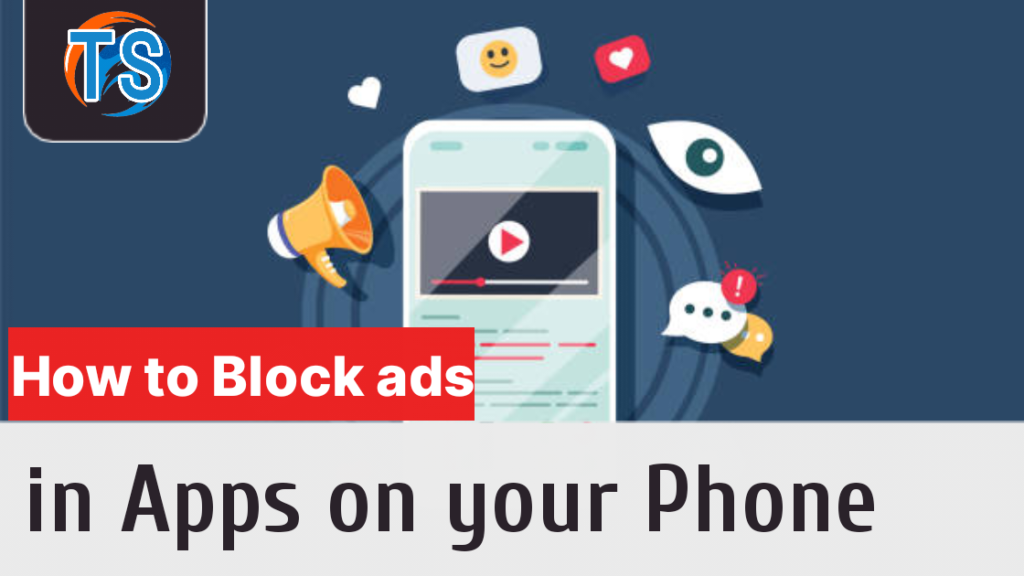
Before you start to Block ads in Apps, it is important to recognize the impact ads can have on your app usage. Although Ads can decrease the app’s performance, increase data usage, and disrupt your overall experience, you should think of the App’s developer as well because everyone should have a way or two in which they can generate revenue from their products, in this case the app in question.
So you should consider checking if the app has a paid version which will in turn offer you an ad-free experience on the app, but if its not available and the ads on the app is not user friendly but rather intrusive, then you should go further By blocking ads so you can regain control and enjoy uninterrupted app usage.
How to Block Ads in Android Apps
We all know Android devices are very dynamic and that’s why they offer several options to block ads effectively. Here are three primary methods you should use
1. Ad Blockers for Android
Installing ad-blocking apps is one of the most popular methods to block ads in Android apps. These apps work by intercepting ads before they are even displayed, preventing them from appearing on your screen. Some popular ad-blocking apps for Android you can use are AdGuard and Blokada.

2. In-App Ad Settings
Many apps have built-in ad settings that allow you to disable or limit advertisements within the app itself. These options can easily be found in the app’s settings menu or preferences. You should explore the app’s settings, you can disable specific ad formats or choose a less intrusive advertising experience and even get additional features on the app for a certain amount of money though.
3. Custom DNS Settings
Another option for blocking ads on Android is by configuring custom DNS settings on your device. This method involves redirecting ad-related domain requests to a non-existent address. It can be done by using apps like DNS66 or by manually configuring Private DNS settings on your device.
How to Block Ads in iPhone Apps
While iOS devices have more limited options for ad blocking compared to Android, there are still some effective methods you can use to block ads on iPhone apps.
1. Ad Blockers for iOS
iOS devices support ad-blocking apps available through the App Store. These apps can block ads within Safari and some other apps that utilize Apple’s WebKit for content rendering. Some of the most Popular ad-blocking apps for iOS you can use are AdGuard for IOS, Adblock Plus, and 1Blocker.
Don't MIss This Guide

2. Limit Ad Tracking
iOS devices also provide the option to limit ad tracking. So by enabling this setting, you can restrict advertisers from tracking your activity and delivering targeted ads based on your behavior. To activate this feature on your device, go to Settings > Privacy > Advertising and enable Limit Ad Tracking.
3 In-App Ad Settings
Similar to Android apps, some iPhone apps offer in-app ad settings that allow you to control the type and frequency of ads displayed. Look for an option within the app’s settings to customize your ad preferences and reduce the number of ads you encounter, which most of the time costs money
Best Practices for Blocking Ads in Apps
While blocking ads can enhance your app experience, it’s essential to follow best practices to ensure optimal results. Here are some tips to consider:
- Keep your ad-blocking app or software up to date to ensure the latest ad-blocking filters are employed.
- Configure your ad-blocking settings to strike a balance between blocking excessive ads and supporting ethical advertising.
- Regularly review and update the ad-blocking rules to adapt to new ad formats and techniques.
- Understand the potential implications of blocking ads on specific apps and adjust your settings accordingly.
With that you should be able to improve your over all user experience, that’s it, I Hope this Article is Useful to you, Considering Subscribing to our Newsletter to get regular Mobile Tips like this.






I’m absolutely delighted to have stumbled upon your website! This was precisely the kind of detailed and insightful content I’ve been searching for, and it’s now a firm favorite in my bookmarks.
I’m often to blogging and i really appreciate your content. The article has actually peaks my interest. I’m going to bookmark your web site and maintain checking for brand spanking new information.
This is really interesting, You’re a very skilled blogger. I’ve joined your feed and look forward to seeking more of your magnificent post. Also, I’ve shared your site in my social networks!