When it comes to private messaging, Signal and Telegram are two names you hear over and over. But while both claim to protect your privacy, they work in very different ways.
If you have ever wondered which of these apps is truly safer, you are just like me. Many people see Telegram’s slick design and big channels and assume it is automatically secure, but the reality is more nuanced.
In this guide, I will walk you through a clear and honest Signal vs Telegram privacy comparison, explaining how each app handles your data, messages, and calls so you can make the best choice for your needs.
Why Privacy Matters in Messaging
Before we go fully into the details, let’s pause to think about why privacy is so important. Every time you chat with someone, you share personal details. Which can include:

- Your phone number
- Photos and videos
- Voice messages
- Location
- Opinions and plans
When an app does not properly protect this information, you risk it being exposed to hackers, governments, or even advertisers.
Signal and Telegram have both been created to solve this problem. But they go about it differently.
How Signal Protects Your Privacy
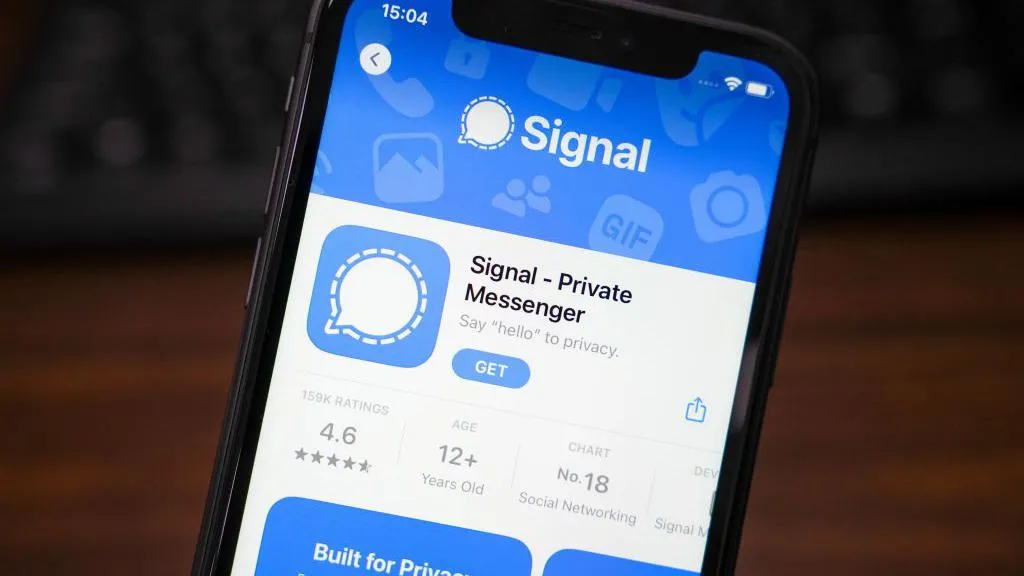
Signal has earned a reputation as the gold standard for secure messaging. Here is what makes it stand out:
- End to end encryption by default
Every message, call, photo, and video you send in Signal is end to end encrypted automatically. This means only you and the person you are chatting with can read it. Even Signal’s own servers cannot see your messages.
Don't MIss This Guide

- Minimal metadata
Signal collects very little data about you. The app only stores the date you created your account and the last date you connected. It does not log your contacts, chat history, or group details.
- Open source code
Signal’s code is fully open source. Security researchers can inspect it anytime, which increases trust and transparency.
- No ads or tracking
Signal is run by a nonprofit foundation. It does not show ads or track your activity to make money.
- Disappearing messages and screen security
You can set messages to disappear after a chosen time. The app also prevents screenshots in chats if you enable screen security.
How Telegram Handles Your Privacy

Telegram is popular for its ease of use, large groups, and cloud features. But its privacy approach is different:
- Encryption is optional
By default, regular Telegram chats are not end to end encrypted. They are stored in the cloud on Telegram’s servers. Telegram says your data is encrypted between your device and the cloud, but Telegram itself technically has access.
- Secret Chats
If you want end to end encryption in Telegram, you must start a Secret Chat. Secret Chats use device to device encryption, so only you and your contact can read the messages.
Don't MIss This Guide

- Cloud storage
Telegram’s cloud storage means you can access your messages on multiple devices. This is convenient but less private.
- Open source clients, closed server code
Telegram’s app code is open source, but the server code is not. This makes it harder for outsiders to verify how data is handled on the backend.
- Metadata collection
Telegram collects more metadata than Signal. This includes your contacts, groups you join, and some device info.
Don't MIss This Guide
Key Differences Summarized
Here is a simple table to help you see the main differences quickly:
| Feature | Signal | Telegram |
|---|---|---|
| Default Encryption | End to end | Server side (not end to end) |
| Secret Chats | Always on | Must be started manually |
| Cloud Storage | No | Yes |
| Open Source | Fully open | Partly open |
| Metadata Collection | Minimal | Moderate |
| Ads or Tracking | None | None |
Which One Should You Use?
Choose Signal if:
- You want maximum privacy without adjusting any settings
- You prefer a simple, focused app
- You do not mind that you cannot access messages from multiple devices automatically
Choose Telegram if:
- You need large group chats or channels
- You like syncing chats across devices
- You are comfortable manually starting Secret Chats for sensitive conversations
Tips for Staying Private
No matter which app you pick, here are a few tips to improve your privacy:
- Always enable two factor authentication
- Use strong passwords for your accounts
- Enable disappearing messages when needed
- Be mindful of sharing personal details in groups
- Regularly check app permissions in your phone settings
They are Both Good
Signal and Telegram are both much better for privacy than traditional SMS or many other chat apps. However, they serve different purposes.
Signal is built from the ground up for secure private communication. If privacy is your top priority, it is the stronger choice. Telegram, on the other hand, balances privacy with convenience and features.
Now that you have a clear understanding of their differences, you can decide which app fits your needs best.