

Ten years ago, rooting was almost expected among people who cared about their phones. It was how you got dark mode, blocked ads, killed bloatware and made a slow device usable.
Most of that is now built in. Which makes the honest question not “how do I root my phone” but “is there still anything worth rooting for,” and the answer depends a lot on what you use your phone for.
What the Terms Actually Mean
Rooting is Android. It gives you superuser access, meaning you can modify or delete system files that are normally protected, including parts of the operating system itself.
Jailbreaking is the iPhone equivalent. It removes Apple’s restrictions so you can install apps and tweaks from outside the App Store and change system behaviour Apple does not expose.
Same idea, very different situations in practice, which is why the two halves of this article read quite differently.
What Rooting Genuinely Gives You
Bloatware actually disappears
This is the strongest argument, and it is stronger in Nigeria than in most markets.
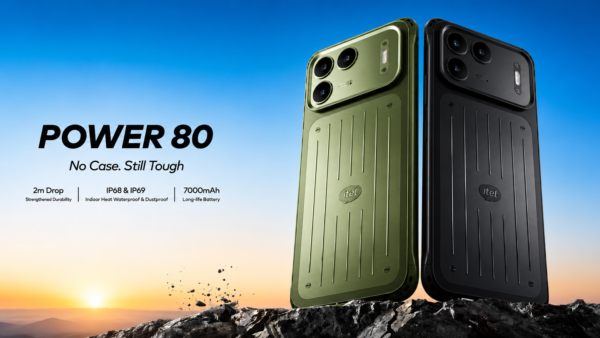
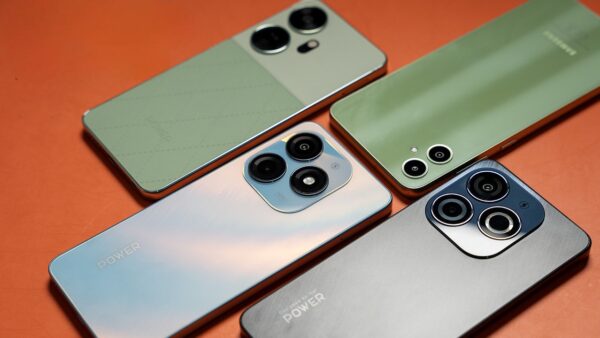
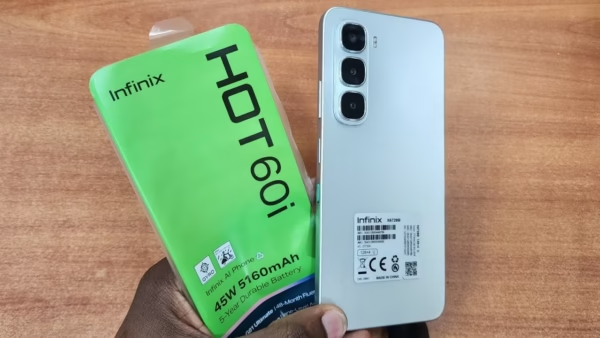
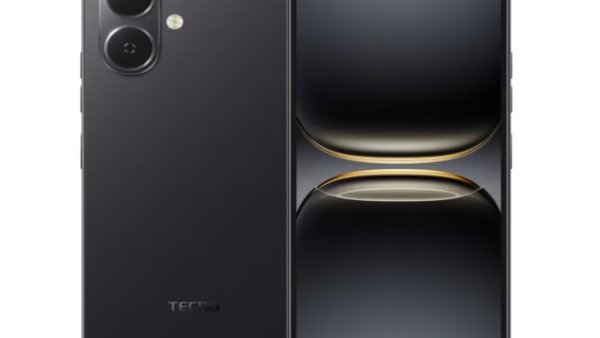
Tecno, Infinix and itel phones ship with a lot of preinstalled software, some of which pushes notifications and ads at you and cannot be uninstalled through normal settings. Disabling an app hides it but leaves it on your storage. Root removes it properly, which frees space and stops the notifications for good.
On a 64GB phone where the system already eats a third of your storage, that is not a small thing.
System-wide ad blocking
Browser ad blockers only cover the browser. With root you can block ads at the system level, including inside apps and games. On a metered Nigerian data plan that saves real money over a month, not just annoyance.
Old phones get a second life
Custom ROMs like LineageOS can put a newer, lighter version of Android on a phone the manufacturer abandoned years ago. For a device stuck on Android 11 with no updates coming, that is genuinely the difference between usable and not.
It also matters for security, since a phone that stopped receiving patches is accumulating known vulnerabilities. A maintained custom ROM keeps them coming.
Full backups and deeper control
Root lets you back up apps with their data, not just the apps themselves. It also opens up battery and performance tuning, per-app permission control beyond what Android exposes, and proper theming.
Useful, though worth noting that Android has quietly absorbed a lot of this. Before you root, look at what Developer Options already lets you change, and our roundup of hidden Android features most people never turn on covers several things people used to root for.
The Cost, and the One That Matters Most in Nigeria
Your banking apps may simply stop working
This is the one that catches people, and it is worth understanding before anything else.
Google retired SafetyNet in 2024 and replaced it with the Play Integrity API, which lets any app check whether a device has been rooted, has an unlocked bootloader, or is running modified software. It returns three levels of verdict, and each app decides how strict it wants to be.
When those checks fail, banking apps and payment services typically refuse to run. Not a ban, just a refusal to open. In a country where your phone is your bank, that turns a rooted device into a daily inconvenience: no OPay, possibly no bank app, no Google Pay, and some apps will not even install.
There are community modules built to hide root from these checks, and they work for a lot of people. But Google rotates its detection regularly, so the modules need updating every few weeks, and it is an ongoing maintenance job rather than a one-time fix. If your income depends on your phone working, that is a poor trade.
Some competitive games also ban rooted devices outright, which is a harder line than the banks take.
Security protections come off
Root gives apps the ability to reach parts of the system Android normally walls off. That is the point. It also means a malicious app that gets root can do far more damage than it ever could on a stock phone, including reading data from other apps.
You are also more likely to be sideloading from outside the Play Store once you have rooted, which is where most Android malware comes from in the first place. Our guides on spotting fake Android apps and protecting your phone from malware matter more, not less, after rooting.
Warranty and updates
Rooting voids the manufacturer warranty on most devices. If you bought a used device with a short store warranty, you are giving up the only cover you had.
Official over-the-air updates also tend to stop working, or fail partway through, which means you are manually managing updates from then on.
You can brick the phone
A failed root or a bad flash can leave a phone that will not boot. Sometimes recoverable, sometimes not.
Worth thinking about locally: if it does go wrong, you are relying on a repair market that may or may not handle a soft-bricked device cheaply, and the manufacturer will not help you because you voided the warranty.
How Rooting Works Now
Briefly, so you know what people are talking about.
Magisk is still the mainstream option. It patches the boot image rather than modifying the system partition, has by far the largest module ecosystem, and supports current Android versions.
KernelSU works at the kernel level instead, which makes it harder for apps to detect. The catch is device support: if nobody has built a compatible kernel for your exact phone, you cannot use it. That rules out a lot of the Tecno and Infinix devices common in Nigeria.
APatch sits between the two and is ARM64 only, with the smallest module library.
All of them need an unlocked bootloader, which on many budget phones is either locked down or requires a request to the manufacturer. That alone stops a lot of people before they start.
iPhone: Jailbreaking Is Mostly Over
The iPhone side has changed more than the Android side, and the honest summary is that jailbreaking is no longer a realistic option for most people.
Apple has hardened the kernel and bootloader considerably. Modern chips need a specific low-level bypass that has not been publicly available, so the newest iPhones running current iOS simply have no jailbreak.
Where things stand now:
- Dopamine is the main modern tool. Its 3.0 release finally brought jailbreak support to iOS 26, but only on A12 and A13 devices, and it arrived roughly eleven months after iOS 26 launched. It is semi-untethered, so you reopen the app and tap jailbreak again after every restart.
- palera1n covers older A8 to A11 devices and is semi-tethered, needing a computer after a reboot.
- TrollStore is not a jailbreak at all. It allows permanent sideloading on certain older iOS versions and does not support iOS 18 or 26.
If you have a recent iPhone on current iOS, there is nothing here for you. Not sure what you are running? Here is how to check your iOS version.
Be careful what you install
Because demand outstrips what is actually possible, this space attracts a lot of misleading claims. Sites and YouTube channels advertise working jailbreaks for the very newest iOS versions, and tools that install a configuration profile through Safari get marketed as jailbreaks when they are nothing of the sort.
Installing a random profile hands significant control of your device to whoever made it. If a tool asks you to install a profile, or asks for your Apple Account details, treat that as a reason to stop rather than continue.
The genuine tools are open source, and the developers behind them are known by name in the community. Anything that cannot be traced back to that is worth avoiding entirely.
So Should You?
Probably worth it if you have an old Android phone the manufacturer abandoned, you want to keep using it, and it holds nothing financially important. Putting a maintained custom ROM on a spare device is genuinely useful and the risk is low, because there is little to lose.
Probably not worth it if this is your main phone. Losing reliable access to your banking apps, your warranty and your updates, in exchange for control you mostly do not need, is a bad trade for almost anyone. Especially in Nigeria, where phone-based banking is not a convenience but the default.
Almost certainly not worth it on iPhone, unless you specifically own an older supported device and are doing it as a hobby project rather than to fix a problem.
What to Do Instead
Most of what people root for now has a safe equivalent.
- Bloatware: disable what you cannot remove, under Settings then Apps. It stops running and stops notifying, even if the files stay.
- Ads: a private DNS service set at system level blocks a good share of in-app ads with no root at all. Look under Settings, Network and internet, Private DNS.
- Hiding sensitive apps: Private Space on recent Android versions does this properly, behind its own lock.
- Performance: Developer Options lets you cut animation scales and cap background processes.
- Storage: the built-in storage manager plus clearing app caches usually recovers more than removing bloatware would.
- Security: a proper password manager and two-factor authentication will do more for you than root ever will.
If your phone is slow rather than restricted, the problem is usually storage, background apps or an ageing battery rather than anything root would fix. Our guide on why Android phones slow down and restart covers the usual causes.
If You Go Ahead Anyway
- Back up everything first, and to somewhere that is not the phone.
- Use a second device, not the one holding your bank apps and your SIM.
- Read guides written for your exact model, since a procedure for one phone can brick another.
- Move your money apps off it, and make sure you know how to freeze your accounts if anything goes wrong.
- Expect to maintain it. Root is not a one-time change, it is an ongoing relationship with your phone.
Rooting and jailbreaking used to be how you got a better phone. Now they are mostly how you get a more customisable one, at the cost of things you probably rely on. On an old spare device, that is a fair trade and a genuinely interesting weekend. On the phone your salary lands in, it rarely is.

Join the conversation